Drop a pin, read the sky
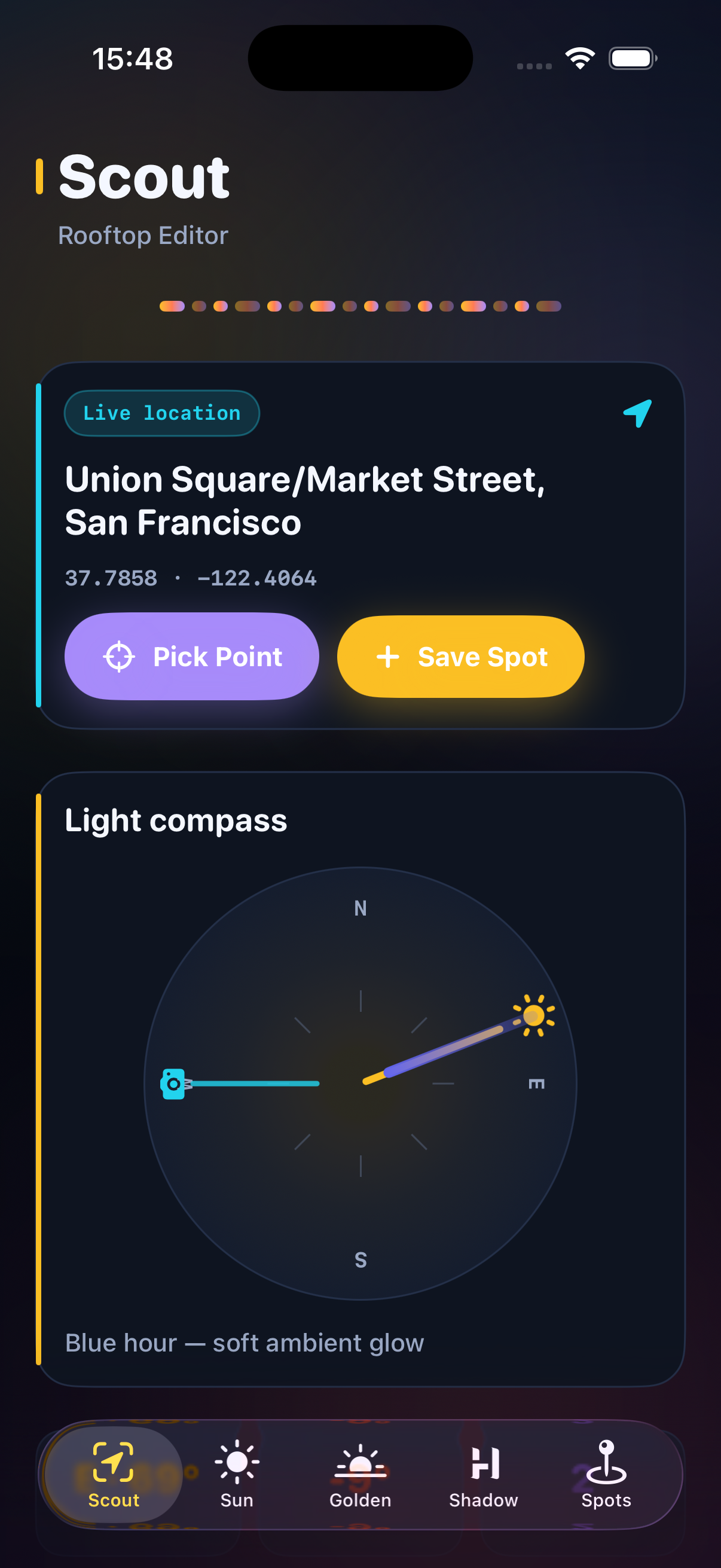
Arrive on location, pick a scout point with GPS or presets, and see live sun azimuth and elevation for your coordinates. The light compass overlays sun rays, shadow bearing, and where your subject faces so you can shape contrast before the crew rolls.
Golden hour on your calendar
Morning and evening golden ranges are calculated between -4° and 6° elevation. Compare windows, mark solar noon, and plan arrivals before the light turns flat or harsh on faces and skylines.
Shadows opposite the sun
Shadows stretch opposite sun bearing. Preview hour-by-hour shadow direction to place reflectors, block spill, and separate backgrounds — then save spots with facing, notes, and the best-light range for your shoot date.
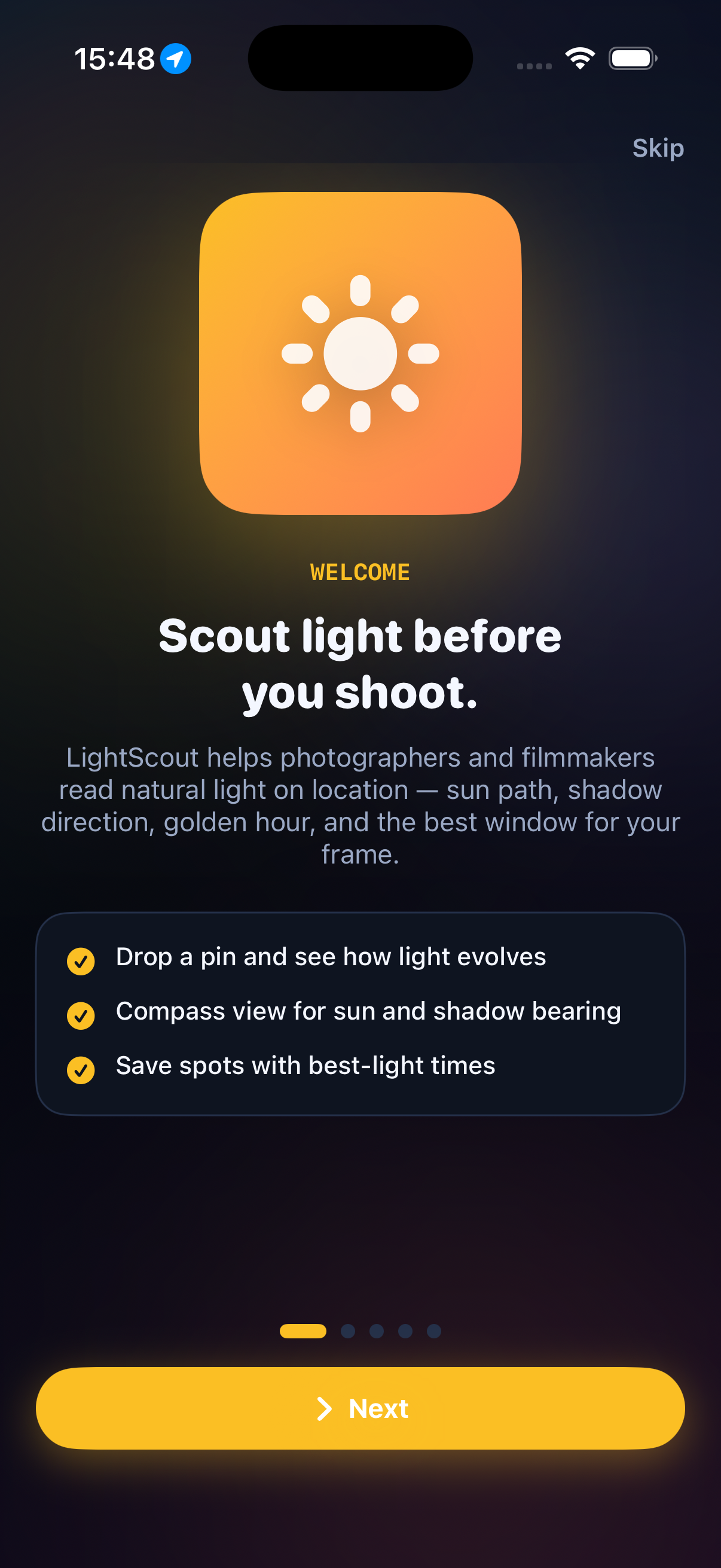 Start on the Scout tab: live coordinates, the light compass with sun and shadow rays, and a recommended window for today.
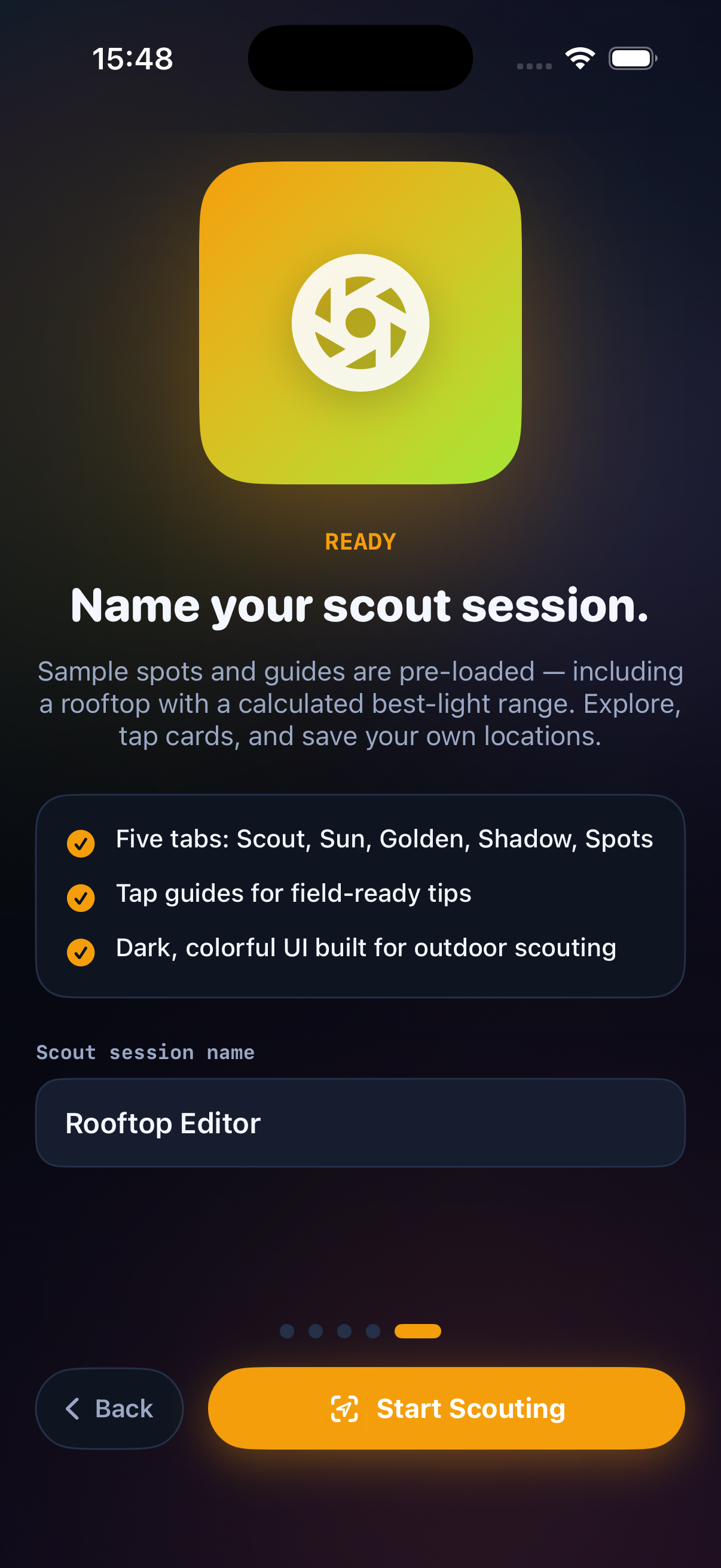 — warm light between -4° and 6° elevation, with arrival timing before the window opens.
 Shadow tab previews where shadows fall opposite the sun. Slide through hours, align blocking, and save scout points with notes and best-light times.